

Inventory visibility online
Connect Clover inventory with CMS Max product availability so online shoppers can see a catalog that better reflects your store operations.
Clover to CMS Max integration
Nexus Connector links Clover with CMS Max so retail, restaurant, and service businesses can turn POS products, inventory, customer activity, and orders into a stronger ecommerce website.
POS
Checkout and payments
Stock
Inventory sync
CMS
Online catalog
SEO
Product discovery
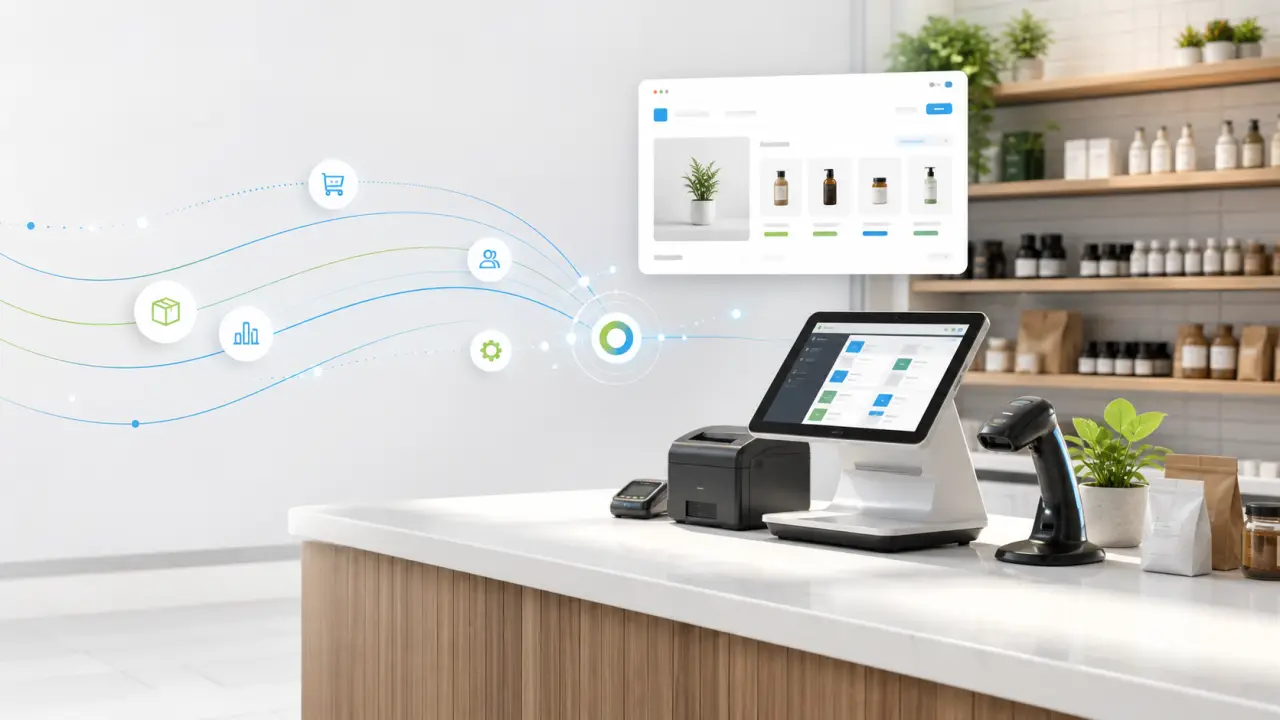
POS, payments, inventory, and customers.
Controlled sync into CMS Max.
SEO-ready products and orders.
Small business ecommerce
Clover gives businesses flexible POS hardware, payment processing, inventory management, reporting, customer tools, online ordering, and app integrations. Nexus Connector extends that operational data into CMS Max so your website can publish products, support ecommerce orders, and compete with stronger SEO content.
Connect Clover inventory with CMS Max product availability so online shoppers can see a catalog that better reflects your store operations.
Use POS-managed item data as the foundation for CMS Max product pages, categories, pricing, and merchandising.
Support smoother online order workflows by connecting ecommerce activity with the POS and payment environment your team already uses.
Pair Clover customer and loyalty workflows with a branded CMS Max website that helps shoppers find, browse, and buy.
CMS Max gives your catalog room for category copy, product descriptions, metadata, landing pages, and crawlable ecommerce navigation.
Keep Clover as the operating system for checkout and payments while CMS Max becomes the online storefront for product discovery and orders.
Connected small business workflow
The sync can be tailored to the business, but the goal is simple: keep Clover as the checkout, payment, and operations hub while CMS Max publishes the customer-facing ecommerce experience.
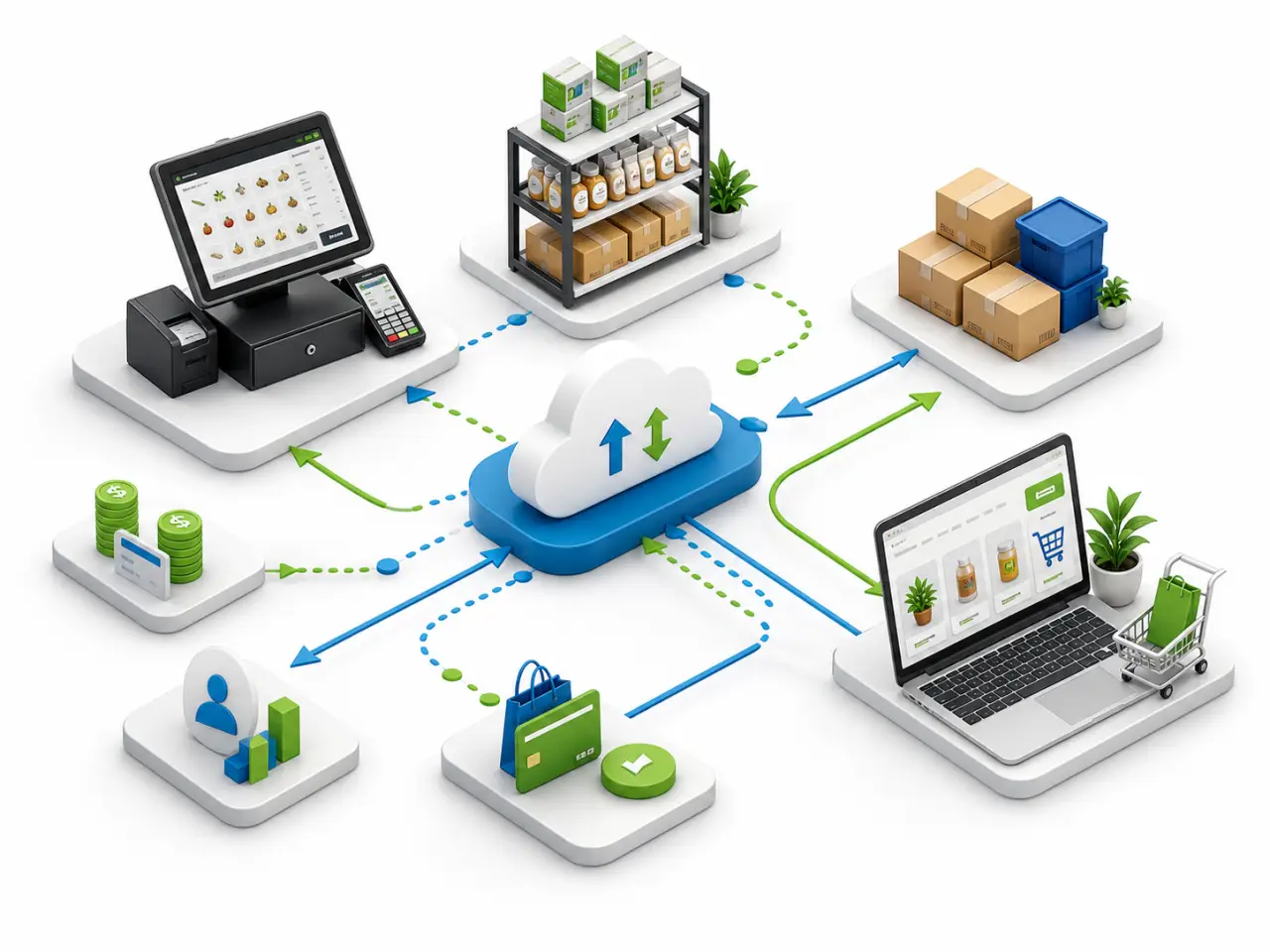
Move eligible item names, descriptions, images, categories, prices, and merchandising data into CMS Max.
Use Clover inventory data to help CMS Max reflect what is available for online shoppers and fulfillment teams.
Support ecommerce orders, pickup workflows, and staff visibility with fewer disconnected manual steps.
Connect the store, website, and customer journey so reporting and engagement are easier to understand.
Built for growing businesses
Clover is flexible enough for retail, restaurants, services, and ecommerce. CMS Max adds the search-friendly website layer: product pages, category copy, checkout paths, local landing pages, and the kind of content customers can find before they ever walk in.
Specialty retail stores
Boutiques and gift shops
Restaurants with online ordering
Service businesses
Multi-location operators
Businesses adding ecommerce
Request a Clover integration demo
Tell us about your Clover setup, product catalog, locations, and ecommerce goals. We will walk through how Nexus Connector can help connect the pieces.
Clover integration FAQs
Yes. Nexus Connector is designed to bridge Clover retail data with CMS Max so eligible product and inventory information can support your ecommerce website.
A connected workflow helps align Clover inventory and website availability, reducing manual updates and disconnected product data.
Yes. CMS Max can use Clover data while still giving your team room for landing pages, category copy, product descriptions, metadata, and merchandising.
Request a demo and share your Clover environment, store locations, catalog size, and fulfillment goals. The Nexus Connector team can outline the best setup path.