

Synchronized product catalogs
Use Wondersign product data as a reliable foundation for CMS Max category pages, product listings, imagery, specifications, and merchandising content.
Wondersign to CMS Max integration
Nexus Connector links Wondersign with CMS Max so furniture retailers can bring synchronized product catalogs, pricing, inventory, kiosk activity, and ecommerce order context into one stronger online shopping experience.
Catalog
Product data
Price
Retail updates
Stock
Inventory sync
Orders
Online demand
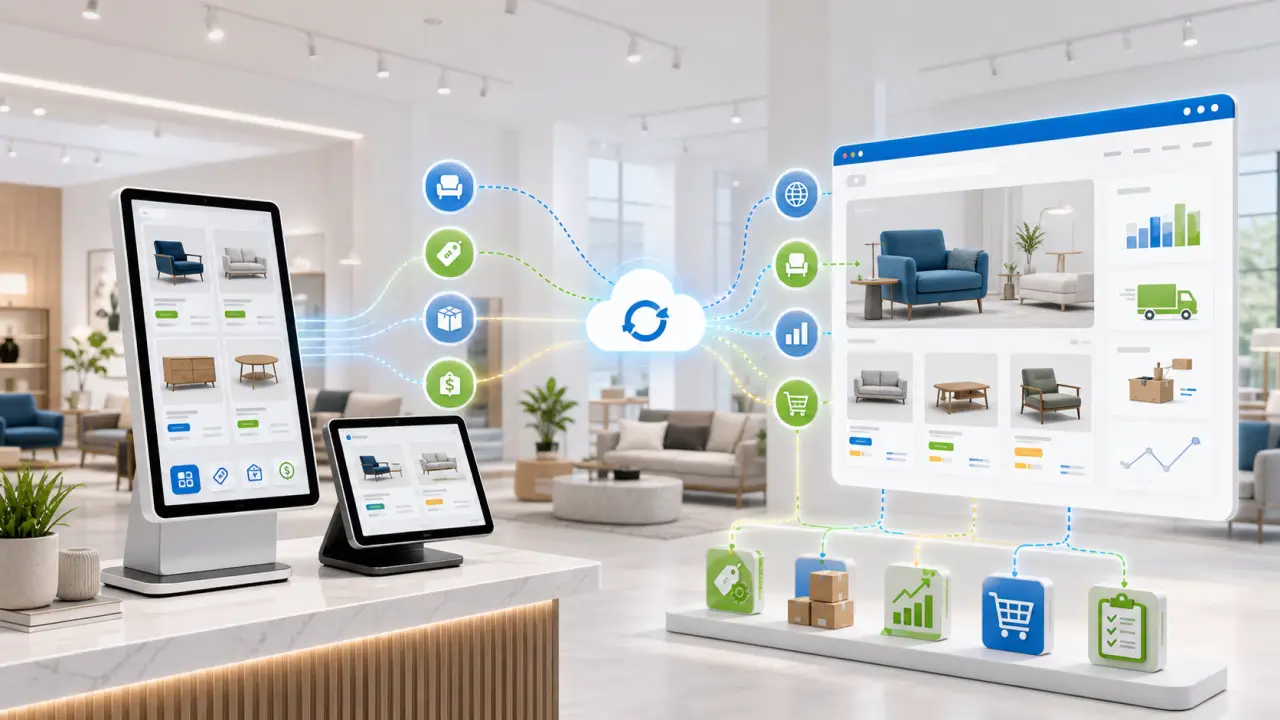
Catalogs, prices, inventory, and showroom tools.
Managed sync into CMS Max.
SEO-ready furniture ecommerce.

Commerce automation for furniture retailers
Wondersign focuses on synchronized online product catalogs, catalog management, ecommerce connectors, and in-store catalog tools for kiosks and tablets. Nexus Connector helps connect that operational catalog data to CMS Max so shoppers can discover products, compare options, and place orders through a search-friendly ecommerce experience.
Use Wondersign product data as a reliable foundation for CMS Max category pages, product listings, imagery, specifications, and merchandising content.
Connect the catalog, pricing, and inventory signals customers depend on before they visit the showroom or complete a purchase online.
Bring Wondersign catalog automation into CMS Max so product pages, shopping paths, and order workflows are easier to manage.
Help showroom shoppers and online customers browse more than what is physically on display with connected catalog and availability data.
CMS Max gives product families, categories, collections, and local landing pages room for crawlable SEO copy and richer merchandising.
Reduce repetitive updates across showroom tools and online channels by connecting the right catalog data once and letting it flow.
Connected catalog workflow
The sync can be tailored to the retailer's setup, catalog rules, and ecommerce goals. The aim is simple: keep Wondersign catalog automation connected to a CMS Max storefront built for product discovery, ordering, and SEO.
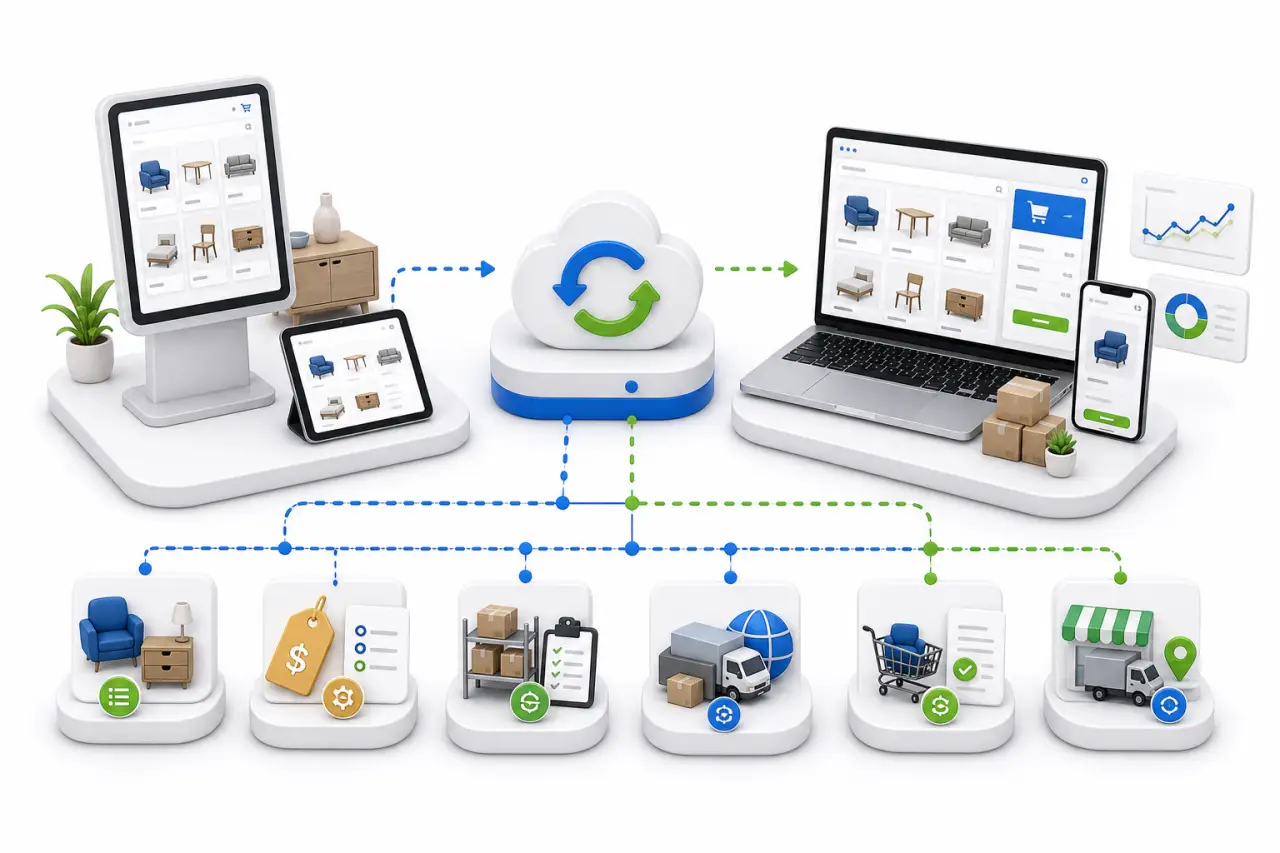
Move eligible item names, furniture attributes, collections, product images, and descriptions into CMS Max.
Help ecommerce pricing reflect the catalog and retail rules your team depends on.
Use inventory signals to support online browsing, showroom follow-up, pickup, delivery, and customer service workflows.
Connect the extended aisle experience with a website that can continue the buying journey after the showroom visit.
Publish CMS Max product and category pages that can be searched, crawled, filtered, and merchandised.
Support online order context and post-purchase workflows with fewer disconnected manual steps.
Built for furniture retail ecommerce
Furniture ecommerce needs more than a product feed. CMS Max adds the search-friendly website layer: collection pages, category copy, product detail pages, local pages, checkout paths, and merchandising content that helps customers move from browsing to buying.
Furniture showrooms
Mattress retailers
Multi-location furniture stores
Home decor retailers
Retailers using kiosk catalogs
Stores expanding ecommerce
Request a Wondersign integration demo
Tell us about your Wondersign catalog, showroom workflow, inventory rules, product data, and ecommerce goals. We will walk through how Nexus Connector can help connect the pieces.
Wondersign integration FAQs
Yes. Nexus Connector is designed to bridge Wondersign catalog data with CMS Max so eligible product, pricing, inventory, and ecommerce information can support a stronger website.
No. Wondersign remains the catalog automation and showroom catalog system. Nexus Connector helps CMS Max use the right connected data for ecommerce, product discovery, and customer-facing website workflows.
Yes. CMS Max can use connected Wondersign data while still giving your team room for landing pages, collection copy, category content, metadata, and merchandising.
Request a demo and share your Wondersign setup, catalog size, store locations, inventory rules, and ecommerce goals. The Nexus Connector team can outline the best setup path.